A favorite photo can become a lasting keepsake on natural slate — but which picture should you choose?
If you are ordering a custom photo slate, the number one thing that determines how your keepsake turns out is the quality of the photo you submit. A beautiful image at the right resolution becomes a sharp, vivid heirloom printed on natural stone. A low-quality image becomes pixelated, muddy, and disappointing. Here is everything you need to know about getting your photo print-ready for slate.
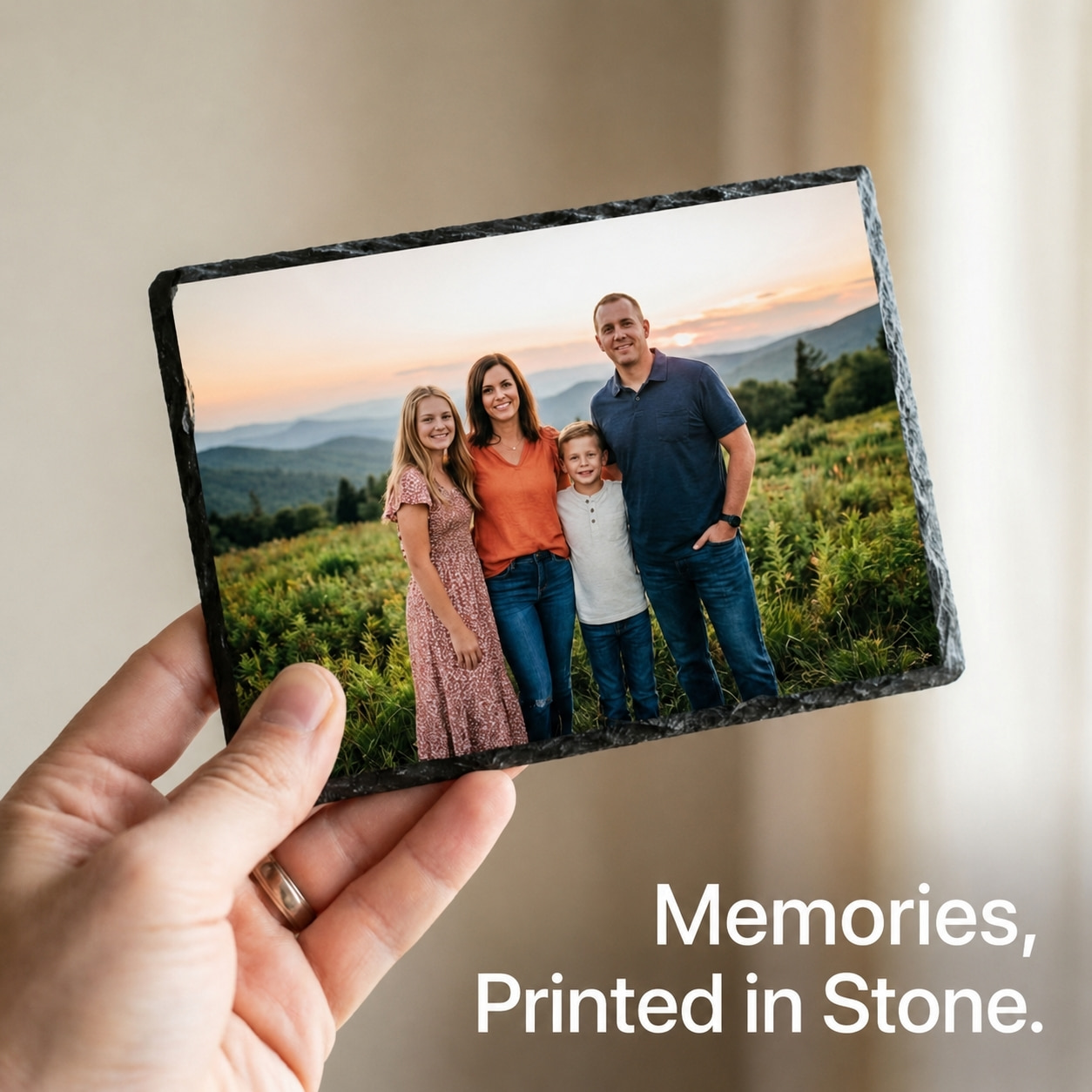
Why does resolution matter so much on stone?
Printing on slate is not the same as printing on paper. The natural stone surface has texture, and the process uses heat and pressure to transfer dye into a white coating on the slate. That process can soften fine details slightly, especially in shadow areas. Starting with a high-resolution file gives the printer enough data to produce a crisp image even after that slight softening.
The sweet spot is 300 DPI (dots per inch). Some printers can work with 150 to 200 DPI in a pinch, but 300 DPI gives you the sharpest details, smoothest skin tones, and cleanest edges on the stone surface.
How big should the photo be for each slate size?
Your photo’s dimensions are measured in pixels. More pixels give you more detail to work with, especially for larger prints. These dimensions are useful targets based on 300 pixels per inch:
| Slate size | Suggested photo dimensions |
|---|---|
| 3 × 5 inches | 900 × 1,500 pixels at 300 PPI |
| 4 × 6 inches | 1,200 × 1,800 pixels at 300 PPI |
| 5 × 5 inches | 1,500 × 1,500 pixels at 300 PPI |
| 5 × 7 inches | 1,500 × 2,100 pixels at 300 PPI |
| 6 × 8 inches | 1,800 × 2,400 pixels at 300 PPI |
| 8 × 10 inches | 2,400 × 3,000 pixels at 300 PPI |
Because slate has rough, chiseled, uneven edges, a little extra image area on all sides helps the print fill the stone fully. When in doubt, go bigger. You can always scale down, but scaling up a small image just creates blur.
Which file format should you send?
Submit your photo as a PNG or a high-quality JPEG. PNG avoids compression artifacts. JPEG works fine as long as it is saved at maximum quality with minimal compression.
Use the sRGB color profile unless you are specifically asked for another. Most consumer photos are already in sRGB, so you are probably fine without changing anything.
What mistakes should you avoid?
Faces and text too close to the edge
Slate has rough, uneven natural borders. Important details near the perimeter can get cut off or lost on the edge. Keep your focal point centered with some breathing room.
Low-resolution screenshots
Photos saved from social media, text messages, or screenshots are usually heavily compressed. They look fine on a phone screen but fall apart when enlarged onto slate. Always try to get the original file from the camera or photo gallery.
Dark or underexposed photos
The coating on slate can darken shadow areas slightly. If your photo is already dark, details in the shadows may disappear. Bright, well-lit, high-contrast images always print best on stone.
Cropping too tight
If you crop the photo exactly around the subject with no margin, there is no room to wrap the design over the natural contour of the stone edges. Leave a little extra space around your subject.
Wrong aspect ratio
Submitting a square photo for a rectangular slate, or vice versa, means the print has to be stretched or cropped aggressively. Match your image shape to the slate shape whenever possible.
Before you submit
Is your photo ready to send?
- Is the image at least 300 DPI?
- Are the pixel dimensions large enough for your slate size?
- Is the file a PNG or a high-quality JPEG?
- Are faces and important details centered away from the edges?
- Is the photo well-lit and not overly dark?
- Does the aspect ratio match the slate shape?
Not sure your photo will work?
You do not have to be a photo expert to order. If you are unsure whether your photo will print well on slate, send it to us anyway. We prepare every photo by hand to look its best on natural slate, and we are happy to answer any questions before you order.
Send the photo you have. I’ll check its quality before printing and tell you if anything needs a look — even a snapshot off an old phone.
“Taking five minutes to check your resolution and composition before submitting can be the difference between a keepsake you are proud to display and one that falls flat. When in doubt, send the highest quality original file you have.”
Prefer to talk it through? Call 740-610-1589 or email us.